


Many are hooked on this one-of-a-kind premium smartphone in the market, the Apple iPhone.
Famous for its simple design and user-friendly interface. 📱
They also sync up with other Apple goodies like magic! ✨
The iPhone is for anyone who values simplicity, performance, and a premium experience.
iPhone continues to conquer the tech industry and fight fiercely against competition.
iPhone Vs Android
Source: Pexels
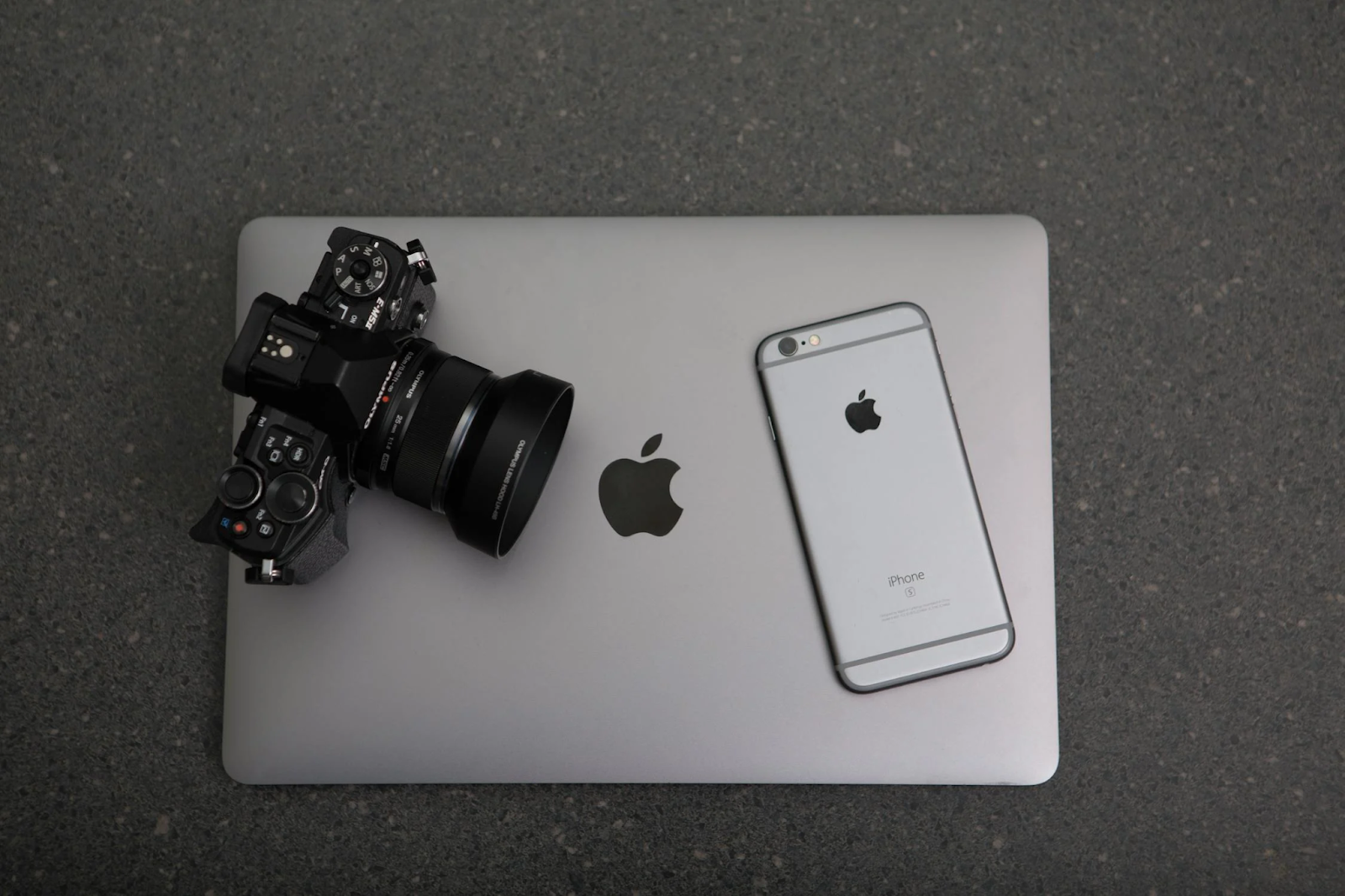
Choosing between iPhone and Android is like picking between pizza and pasta—they’re both awesome, but it depends on what you’re craving! 📱
The Apple ecosystem is a chef’s kiss! 🍎
If you have a MacBook, iPad, or Apple Watch, everything syncs like magic.
iPhones are known for their user-friendly interface. Everything is clean, simple, and just works.
Amazing regular software updates for all devices!
iPhones have had these updates for years, even if the phones are the older models they get the latest iOS updates. 🔄
Security and privacy are top-notch.
Apple makes sure your data stays yours.
On the other hand, why Android is amazing?
The power of customisation!
You can tweak almost anything—the home screen, widgets, even the fonts.
More options. Whether you want a budget phone or a luxury device, Android’s got you covered.
Many Android phones (like Samsung) have killer features like expandable storage and bigger batteries. 🔋
Google integration is seamless—perfect if you’re all-in on Gmail, Google Drive, and Google Photos.
What would your pick be?
If you love simplicity and don’t mind paying a premium, go for iPhone.
But if you like flexibility and variety, Android might be your jam. 🎉
iPhone Vs Google Pixel
iPhone Stands Out because of many of its feature, and the A15 Bionic Chip makes the performance blazing fast.
It’s like a Ferrari in your pocket. 🚀
The camera is consistently good, especially for videos.
Those cinematic modes are insane. 🎥
iMessage and FaceTime make chatting with other iPhone users super smooth. 💬
Google Pixel is also a beast, especially integrating many of Google’s powerful software.
The Pixel gets exclusive features like Call Screening and Magic Eraser. ✨
AI-powered cameras help even a so-so photographer get a snap of stunning pics with a Pixel. 📸
It’s more affordable compared to iPhones and comes with clean, bloat-free Android software.
If you’re a photo lover who wants AI magic, Pixel’s your buddy.
But if you want reliability, ecosystem, and a dash of luxury, the iPhone’s got your back.
iPhone Vs Samsung
Source: Pexels
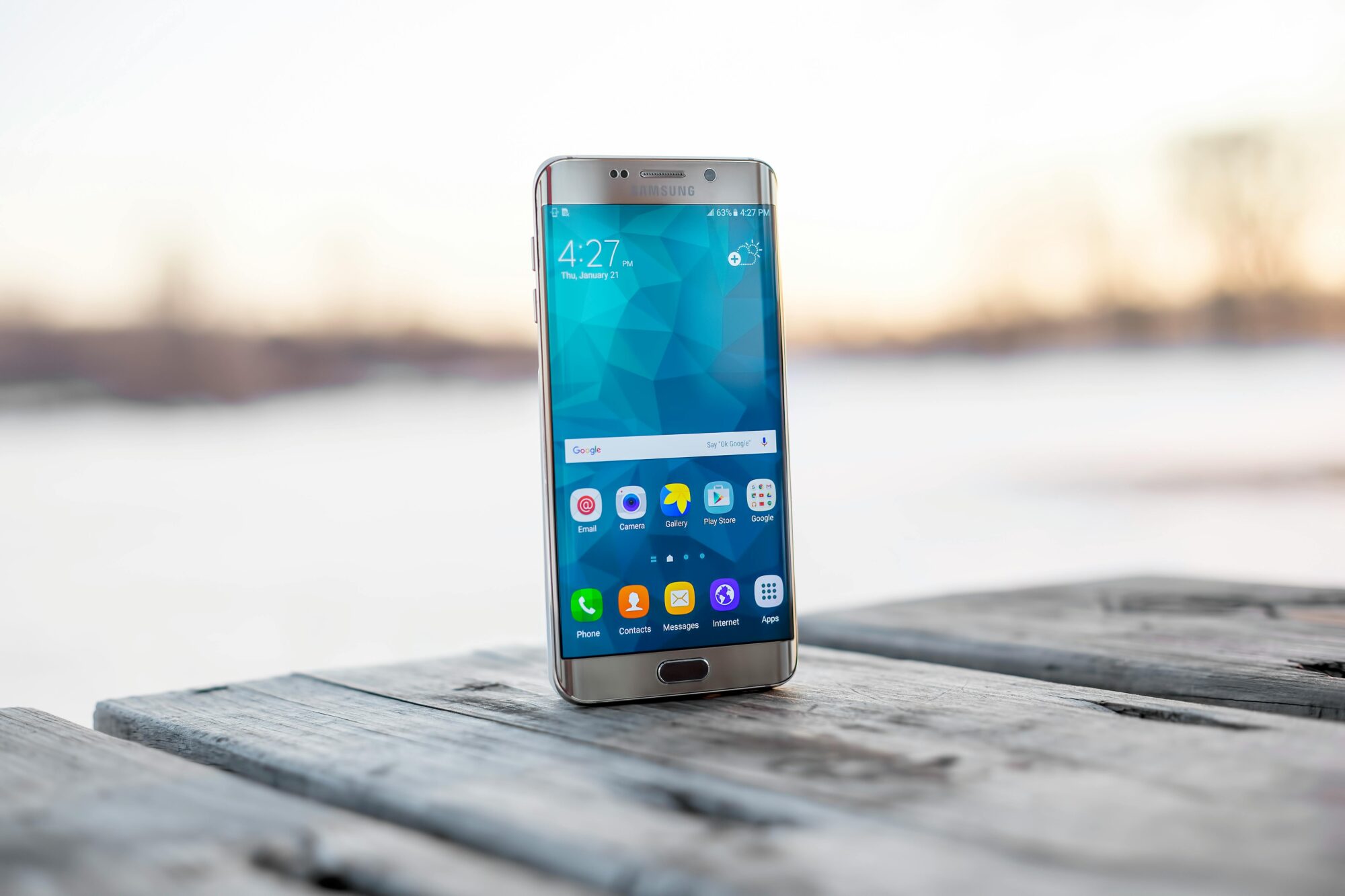
These two are like Coke and Pepsi. Let’s settle the score.
iPhones have the edge with software updates. You’ll still get updates for your 5-year-old iPhone. 🔄
Build quality is unmatched. It feels premium, like holding a piece of art. 🖼️
Apple’s App Store is super secure, and apps often launch on iOS first.
Samsung’s strength is in its insane hardware.
Their Galaxy Ultra phones have zoom cameras that can practically see the moon. 🌕
It has tons of features like Split-screen, stylus support (with the Galaxy Note series), and more.
Want a foldable phone then Samsung’s got you covered. 🤷♂️
If you want cutting-edge features, Samsung is hard to beat.
But if you prefer long-term value and simplicity, the iPhone is king. 👑
Transferring Of Data Between iPhones: Easy Peasy! 🍏➡️🍏
Switching from one iPhone to another is easy as Apple’s got your back!
Steps to Transfer Everything
- Place the new iPhone next to your old one.
- Follow the on-screen instructions to use Quick Start.
- Sign in to iCloud, select what you want to transfer and you are done! 🎉
How to get a smoother transfer:
- Make sure both phones are charged! 🔋
- Update to the latest iOS before starting.
- If you have a ton of photos, transfer over Wi-Fi so you don’t burn through data.
Tip: use a Lightning cable and adapter to connect the phones directly for a faster transfer.
Charging Function Of iPhone Not Working? 😭🔌
Source: Pexels
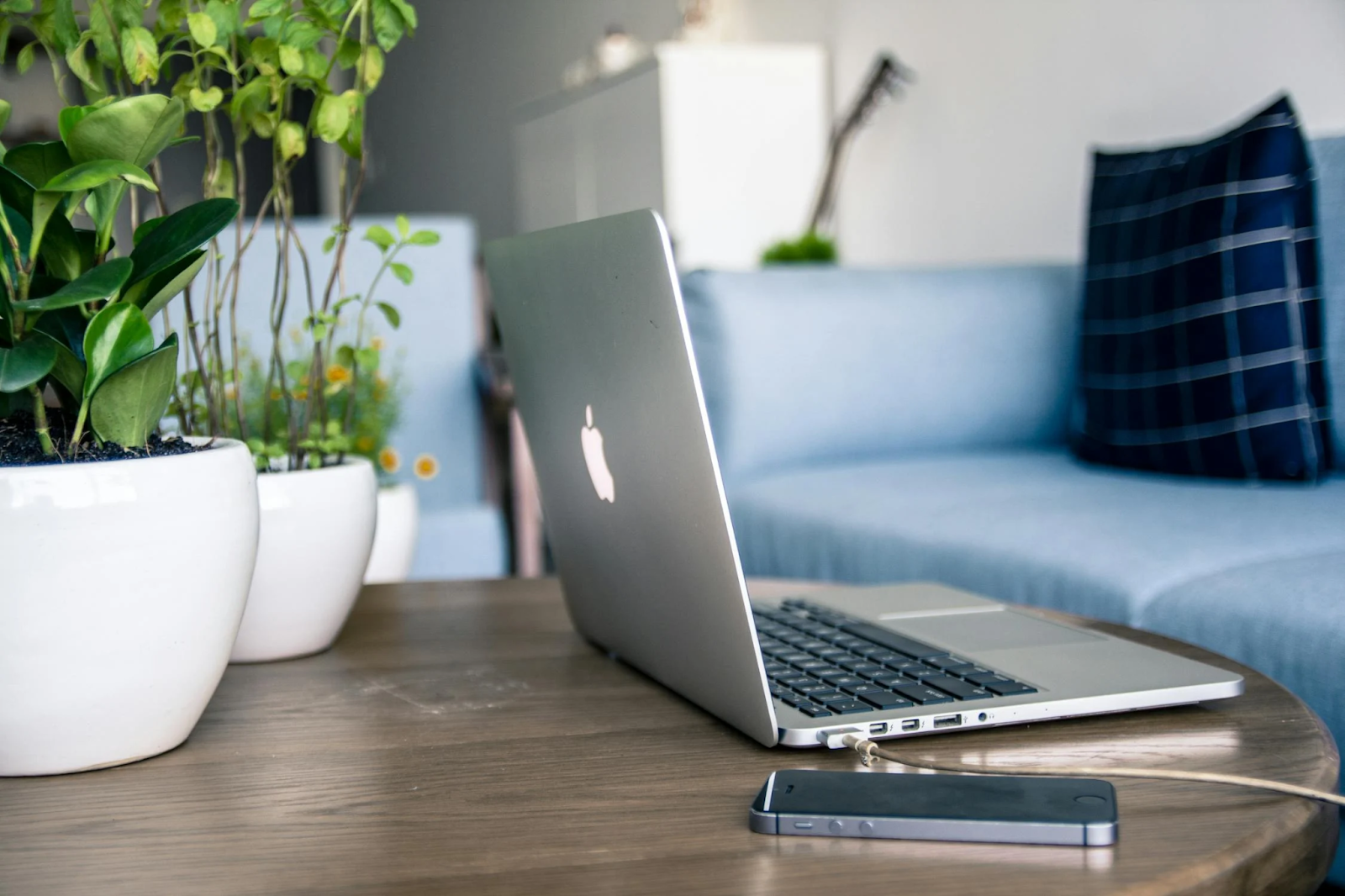
Nothing’s worse than plugging in your iPhone and seeing nothing.
Here’s what to do to figure out the problem!
Step 1: Check the Basics
- If the cable is damaged then try a different one.
- Use another power adapter to rule out the charger as the problem.
- Plug it into another outlet—sometimes it’s the wall socket.
Step 2: Clean the Charging Port
- Dust and lint can block the connection.
- Use a toothpick or a soft brush to gently clean the port.
- Be careful—don’t damage the pins!
Step 3: Restart Your Phone
- Sometimes, a simple restart can fix software bugs affecting charging.
Step 4: Try Wireless Charging
- If your iPhone supports wireless charging, place it on a wireless charger to see if it works.
Step 5: Update iOS
- Check if your iPhone needs a software update—it might fix charging bugs.
Step 6: Visit Apple Support
- If none of the above works, it could be a hardware issue. 🛠️
Did you know that the iPhone does not let you overcharge your phone, it stops drawing power once it is fully charged to protect the battery. 🔋
Hope this guide clears up some doubts and gives you a head start on your phone journey!
Which phone are you rooting for? 📱😊
Related to Apple iPhone:
Deepavali in Multicultural Singapore: A Celebration of Light and Unity – Guidesify
Heartland Travel Series: Venture Into The Sports Filled Adventures At Kallang