


From typing essays at lightning speed to juggling 20 Chrome tabs while streaming a “quick” episode on Netflix, a trusty laptop is basically a student’s best friend.
In Singapore, where academic hustle meets digital overload, the right laptop can make or break your day (and your grade).
Whether you’re an engineering student pushing your Central Processing Unit (CPU) to the limit or a design major with a folder full of Adobe dreams, we’ve rounded up the best laptops for university students in Singapore that won’t lag or crash, no matter how many tabs you throw at them.
Top Features Students Should Look Out For In A Laptop
With so many specs and features to consider, picking the right laptop can feel overwhelming.
But no matter what course you’re in or how you plan to use it, there are a few key essentials that matter across the board.
CPU: The Brain Behind Every Task
The CPU handles every task you throw at your laptop.
While basic tasks like typing in Word don’t demand much power, heavier workloads like gaming or video editing do.
As a rule of thumb, look for higher core counts and clock speeds (measured in GHz) for better performance.
RAM: Multitasking Without The Lag
Random Access Memory (RAM) affects how many tasks your laptop can handle at once.
For most students, 8GB to 16GB is sufficient.
But if you’re in a resource-heavy course or love multitasking, consider upgrading to 32GB or more for smoother performance.
Storage: Space For All Your Notes, Projects And Netflix Downloads
Laptop storage usually ranges from 256GB to 1TB and the right amount depends on how you use your device.
If you’re storing lecture notes, software, and the occasional Netflix download, 512GB is a solid middle ground.
For heavier users like design students or video editors, 1TB or more offers peace of mind.
And if you ever run low, an external hard drive or cloud storage can easily expand your space.
Battery Life: Stay Charged On The Go
There’s nothing worse than your laptop dying mid-lecture.
While battery specs on websites are helpful, they don’t always reflect real-world performance.
You can check out YouTube reviews for honest battery life tests with the software you’ll actually use.
Size And Weight: Light Enough To Go Anywhere
Portability matters, especially when you’re hopping between lecture halls.
Most laptops weigh between 1.4kg to 1.8kg.
Anything over 2kg can feel like a burden after a long day, so go for something lightweight if you’re always on the move.
Is A Windows Laptop Or A MacBook More Suitable For University Students?
Windows Laptop

Source: Pexels
For university students, Windows laptops offer more variety, with a wide selection of models from different brands, allowing you to pick a device that fits your needs and budget.
They also provide greater flexibility, giving you more control over system settings and customization options compared to macOS.
However, be mindful that budget Windows laptops may come with lower-quality components, though premium models can compete with MacBooks in terms of performance.
Reliability can also vary depending on the brand, and Windows laptops may not be as consistent as their Apple counterparts.
Macbook
Source: Pexels
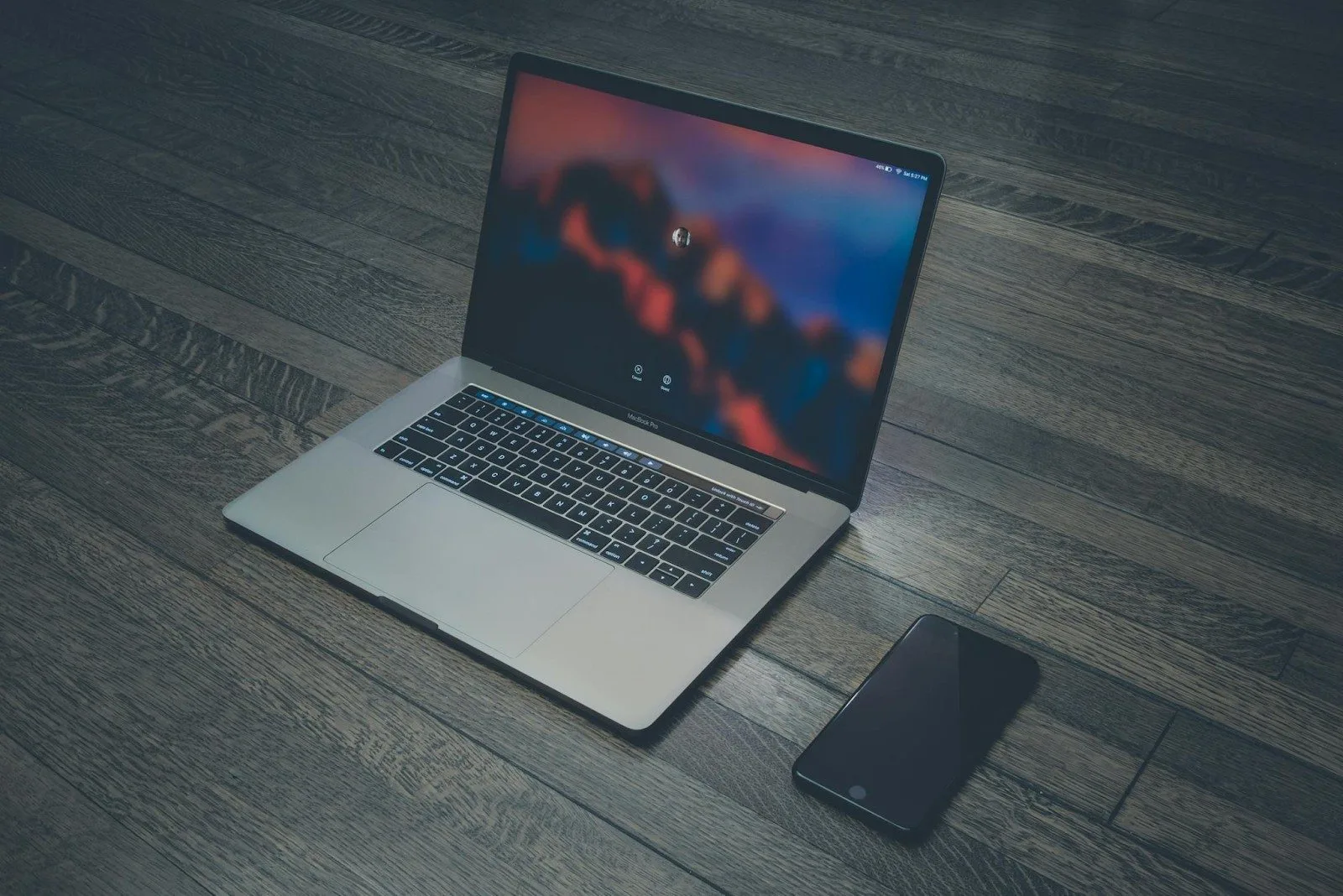
MacBooks are a top choice for many students due to their sleek design, strong security features, and seamless integration with other Apple devices like iPhones.
They offer key benefits, such as enhanced cybersecurity and consistent performance, as Apple controls both hardware and software.
For design and animation majors, MacBooks shine with their ability to run demanding software efficiently.
However, MacBooks are generally more expensive, and repairs can be costly.
Additionally, the storage space on MacBooks is often limited, which may pose a problem for students working with large files, and the lack of peripheral options can make finding compatible accessories a bit more difficult and expensive.
Gear Up For University With The Best Get Ready For School Laptop Deals
Apple Macbook Air
The Apple MacBook Air has been a go-to for students since its debut in 2008, known for its sleek all-metal design and user-friendly operating system.
It became an even smarter choice when it upgraded to the powerful M1 chip last year.
Though its appearance hasn’t changed, the MacBook Air can now handle over 10 Google Chrome tabs without overheating, even during on-the-go work sessions.
Plus, with no fan, it operates silently, ideal for studying in quiet spaces like the library, without drawing attention.
With up to 18 hours of wireless web browsing on a single charge, you can say goodbye to hunting for power outlets at your favorite cafe.
University students and educators can also take advantage of exclusive discounts available at the Apple Store.
Do stay tuned for their annual “Get ready for school” deals this year!
Acer Swift 14 AI Copilot
If you’re seeking an affordable, lightweight alternative, consider the Acer Swift 14 AI Copilot laptops.
These sleek devices weigh just 1.26kg and start at a budget-friendly $1,499.
Powered by the latest Intel Core i9 processor, the Acer Swift 14 AI offers an impressive battery life of up to 29 hours, meaning you can leave your charger at home.
True to its name, the Acer Swift 14 AI features artificial intelligence to boost your productivity, including the helpful AI assistant, Copilot.
For those into creative work, it’s a solid option for light editing tasks, offering a 3K OLED display with high resolution for smooth photo editing.
Asus Zenbook
Looking for an ultra-light laptop? The Asus Zenbook 14 weighs just 980g, making it incredibly portable without sacrificing style.
Starting at $1,699, the Zenbook A14 (UX3407) Copilot is made with durable ceraluminum metal, offering shock and scratch resistance.
Powered by the Snapdragon X X1 26 100 Processor, it’s energy-efficient and comes with 16GB RAM and a 1TB SSD.
With a battery life of up to 32 hours and fast charging (60% in 49 minutes), it’s perfect for long workdays.
Plus, the built-in AI assistant streamlines tasks for enhanced productivity.
Available to tertiary students, educators, and staff, the ASUS Education Store offers exclusive deals tailored to academic needs.
Dell XPS
Dell XPS 13 is the perfect blend of lightweight design and powerful performance.
Weighing just 1.16kg thanks to its carbon fiber and aluminium construction, materials used in high-performance F1 cars and planes.
Equipped with the latest Intel processor, it handles both CPU and graphics processing, making it compact and energy-efficient, while also delivering impressive performance for light gaming.
The base model includes a 512GB NVMe SSD for faster boot times, and its display options, a vibrant 1080p non-touch or a 4K touchscreen, both offer 500-nit brightness for crystal-clear readability, even on sunny days.
Lenovo Thinkpad
The Lenovo ThinkPad is a student favorite, known for its durability, powerful performance, and comfort.
With long battery life, robust security, and a top-notch keyboard, it’s perfect for tackling assignments, projects, and multitasking.
Lenovo also offers exclusive student deals, including hefty discounts, free shipping, and extended warranties.
Whether you choose the premium X1 Carbon or the budget-friendly L Series, there’s a ThinkPad for every student’s needs.
Don’t miss out on these great student offers, check out Lenovo’s website for the latest deals!
Related To Laptops:
Reasons Why Your Laptop Plays Random Music On Its Own And How To Solve Them
5 Overrated Tourist Traps In Singapore And Here’s What To Do Instead